How to Get Can't Help Falling in Love MIDI Free
Convert any Can't Help Falling in Love MP3 to MIDI in 5 simple steps. Free, no signup, and your audio stays private — all processing happens in your browser. Get piano MIDI files of this Elvis Presley classic love song.

Table of Contents
What is Can't Help Falling in Love?
Can't Help Falling in Love is a classic love song originally recorded by Elvis Presley in 1961. The song was written by Hugo Peretti, Luigi Creatore, and George David Weiss, based on the French song "Plaisir d'amour" by Jean-Paul-Égide Martini. It has become one of the most beloved romantic songs of all time.
The song features a gentle, romantic arrangement with piano as the main instrument, accompanied by soft strings and light percussion. With a tempo of approximately 70-80 BPM, it's a slow ballad that captures the feeling of falling in love.
How to Download Can't Help Falling in Love MIDI Files
Getting Can't Help Falling in Love MIDI files is easy with our free online converter. Whether you want the full song arrangement or just the piano melody, our tool can convert any MP3 audio file to MIDI format in seconds.
The best part? Everything happens in your browser. Your audio files never leave your device, ensuring complete privacy and security. No signup, no registration, no hidden fees.
Step-by-Step Guide: Convert to MIDI in 5 Steps
Follow these simple steps to convert your Can't Help Falling in Love audio to MIDI:
Step 1: Upload Your Audio File
Click the upload button or drag and drop your Can't Help Falling in Love MP3 file into the converter. Our tool supports all major audio formats including MP3, WAV, and FLAC.

Step 2: Select Audio Type
Choose between "Piano" for solo piano melody or "Full Song" for complete arrangement with all instruments. For piano practice, "Piano" works best.

Step 3: Start Conversion
Click "Convert" and let our AI model process your audio. The conversion typically takes 1-2 minutes, running entirely in your browser.

Step 4: Preview and Edit
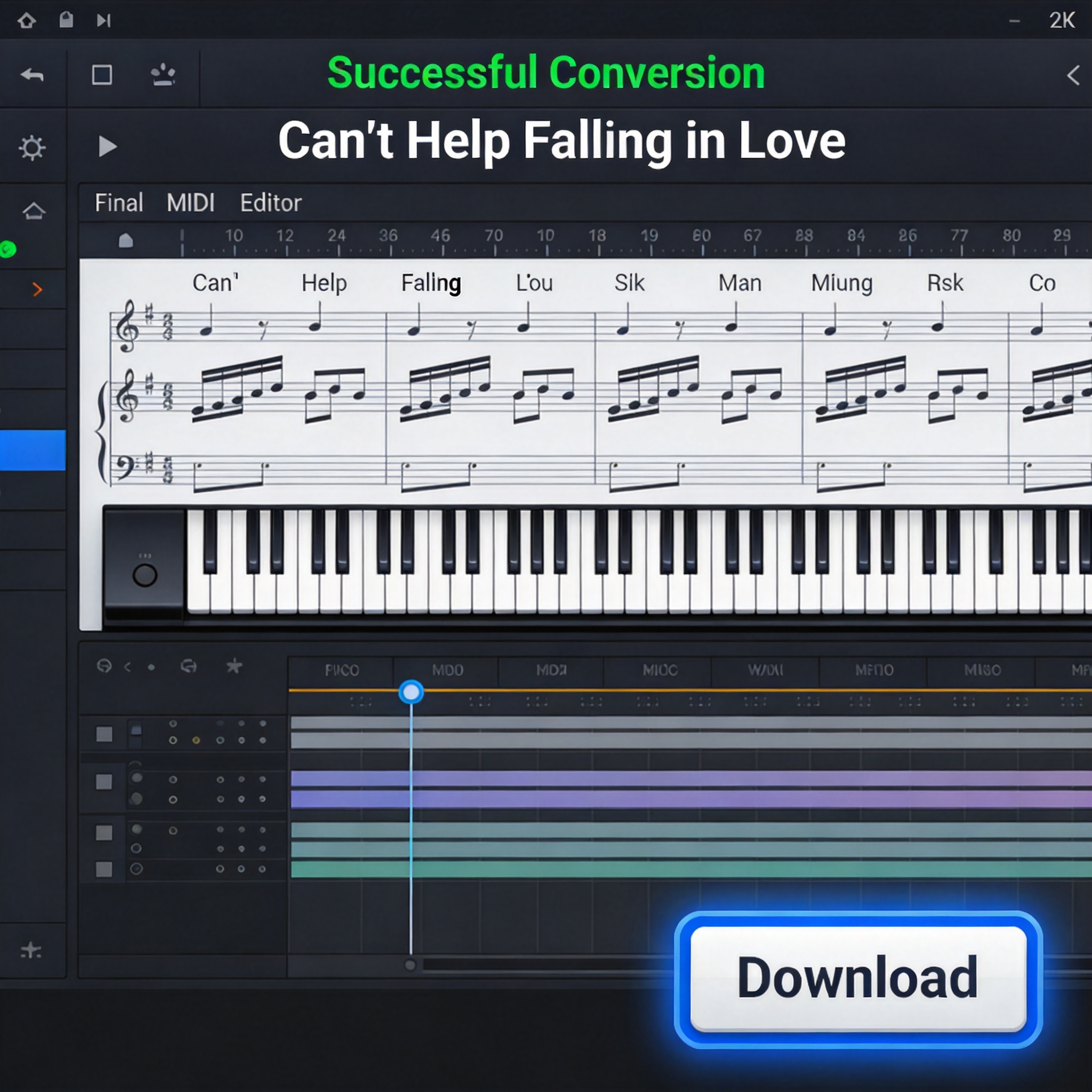
Use our built-in piano roll editor to preview your MIDI. Adjust notes, modify tempo, or fine-tune the rhythm as needed.

Step 5: Download MIDI File
Once you're satisfied with the result, click "Download" to save your Can't Help Falling in Love MIDI file to your device. Use it for practice, performance, or music production!
Why Choose Our MIDI Converter
Privacy-Safe
All processing happens in your browser. Your audio files never leave your device, ensuring complete privacy and security.
Fast Conversion
Convert your MP3 to MIDI in 1-2 minutes. Our AI model is optimized for speed without sacrificing quality.
Piano & Full Song
Choose between solo piano melody or full arrangement with all instruments. Perfect for different use cases.
Built-in Editor
Preview and edit your MIDI file before downloading. Adjust notes, change instruments, and modify tempo as needed.
Completely Free
No signup, no registration, no hidden fees. Converting is free — new visitors get a free download, verified accounts get a bonus, and a credit pack unlocks more.
Works Anywhere
Our converter works on any device with a modern browser. No software installation required.
Tips for Best Results
Use High-Quality Audio
For the best MIDI conversion results, use high-quality MP3 files (320kbps recommended). Avoid compressed or low-bitrate audio files.
Choose the Right Audio Type
Select "Piano" if you want just the main melody for playing on piano. Choose "Full Song" if you want the complete arrangement with all instruments.
Edit Before Downloading
Use our built-in editor to fine-tune your MIDI file. You can adjust timing, change instruments, and modify the arrangement to match your needs.
Experiment with Different Versions
Try converting different recordings of Can't Help Falling in Love. Different performances may produce different MIDI results, so experiment to find the best one.
Beyond the Download: How to Make the Converted MIDI Usable
You can treat the converted MIDI as a starting arrangement for Elvis's ballad rather than a final finished performance.
Understand what the soft piano track gives you
A direct conversion of a sung pop ballad usually keeps the vocal melody on its own MIDI channel, with the backing piano or guitars on others. Solo each channel in the piano roll and label the melodic voice — it becomes an accurate guide melody you can base a cover on.
Speed, simplify, then re-harmonize
This one flows at a relaxed tempo, so even a slow-swing conversion helps you map the long note lengths by ear. If you spot a few doubled or slightly-off notes from the sustained vocals, drop the octave of the bass channel and re-gate the melody so phrases start cleanly.
Be realistic about vocal-heavy audio
A sung ballad converts well because the melody line is clear, but the rich vocal vibrato can add small pitch wobbles. Nudge those early in editing instead of expecting them to be fully accurate — this is normal, and no converter outputs a 100% clean vocal MIDI on the first pass.
Frequently Asked Questions
What is Can't Help Falling in Love?
Can't Help Falling in Love is a classic love song originally recorded by Elvis Presley in 1961. The song was written by Hugo Peretti, Luigi Creatore, and George David Weiss, based on the French song 'Plaisir d'amour' by Jean-Paul-Égide Martini. It has become one of the most beloved romantic songs of all time.
How to download Can't Help Falling in Love MIDI files?
You can download Can't Help Falling in Love MIDI files using our free online converter. Simply upload your MP3 audio file of the song, select 'Piano' or 'Full Song' as the audio type, and let our AI model convert it to MIDI format. The entire process happens in your browser, so your audio never leaves your device.
Is Can't Help Falling in Love MIDI download free?
Yes! Our MIDI converter is completely free to use. You can convert for free with no signup; you start with 1 free download, and verifying your email adds 1 more. There are no hidden fees or watermarks.
Can I get Can't Help Falling in Love piano MIDI?
Yes! Select 'Piano' as the audio type when converting to extract the main melody. This works great for this romantic ballad that features prominent piano arrangements.
What instruments are in Can't Help Falling in Love MIDI?
Can't Help Falling in Love MIDI files typically feature piano, electric piano, and sometimes string instruments. The original recording has a gentle, romantic arrangement with piano as the main instrument, accompanied by soft strings and light percussion.
What is the BPM of Can't Help Falling in Love?
Can't Help Falling in Love has a tempo of approximately 70-80 BPM, making it a slow, romantic ballad. The gentle tempo contributes to the song's intimate and tender mood.
Is my audio safe when using your converter?
Absolutely! Our converter runs entirely in your browser using AI models. Your audio files never leave your device, ensuring complete privacy and security. We don't store or transmit your files to any server.
Can I edit Can't Help Falling in Love MIDI after download?
Yes! After conversion, you can use our built-in piano roll editor to preview, edit, and customize your MIDI file. You can adjust notes, change instruments, modify tempo, and more before downloading.
Who wrote Can't Help Falling in Love?
Can't Help Falling in Love was written by Hugo Peretti, Luigi Creatore, and George David Weiss. The melody is based on 'Plaisir d'amour', a 1784 French love song by Jean-Paul-Égide Martini. Elvis Presley recorded the most famous version in 1961 for the film 'Blue Hawaii'.
Ready to Get Your Can't Help Falling in Love MIDI?
Convert your MP3 to MIDI in just 5 steps. Free, fast, and privacy-safe.
Start Converting Now — Free