PRIVATE · BROWSER-BASED · NO SIGNUP
Sound to MIDI Converter — Free, No Signup
This is the fastest way to turn sound into MIDI. Our free sound to MIDI converterlistens to your track and uses AI-powered transcription to extract the notes — preview, edit, and download the MIDI right in your browser. It's the easiest way to turn sound into MIDI online, whether that's a single-instrument recording, a vocal melody, or a full mix. No uploads, no servers, no signup needed.
Drop your Sound here
or choose a file from your device
Supported: mp3, wav, m4a, flac, ogg, webm, mov, aac
Why Convert Sound to MIDI?
A sound file is a fixed recording — you can't edit individual notes, change the key, or swap instruments. Converting any audio unlocks all of that by transcribing the sound into MIDI note data. Our free sound to MIDI converter lets you turn sound into MIDI, then adjust notes, tempo, and instrumentation to get the result you need — right in your browser and with no signup.
How to Convert Sound to MIDI
Upload Your Sound
Drag and drop an MP3, WAV, M4A, OGG, FLAC, WebM, AAC, or MOV file, or pick a preset for the type of sound you're converting — Piano, Voice, Guitar, Bass, Solo, or Full Song.
Choose a Preset
Select the preset that matches your recording. Each preset tunes the AI model's sensitivity and note detection for that specific type of sound.
Convert and Edit
The AI transcribes your sound into MIDI notes. Fine-tune the result in the built-in piano roll with note editing, sensitivity, and pitch-bend controls.
Download MIDI
Export your converted MIDI file and use it in any DAW, game engine, or virtual instrument. Everything stays on your device.
Features of Our Sound to MIDI Converter
100% Private
All processing happens locally in your browser. Your sound never leaves your device.
Multiple Presets
Pick from Piano, Voice, Guitar, Bass, Solo, or Full Song for the best transcription.
Precise Note Detection
Advanced AI transcribes pitch, timing, and velocity with adjustable sensitivity.
Piano Roll Editor
Preview and edit every note before you download — move, resize, join, or delete.
Free & No Signup
Convert any sound to MIDI without creating an account or paying a subscription.
Instant MIDI Export
Download your converted MIDI file in seconds, ready for any DAW or instrument.
From Sound to Editable MIDI in Seconds
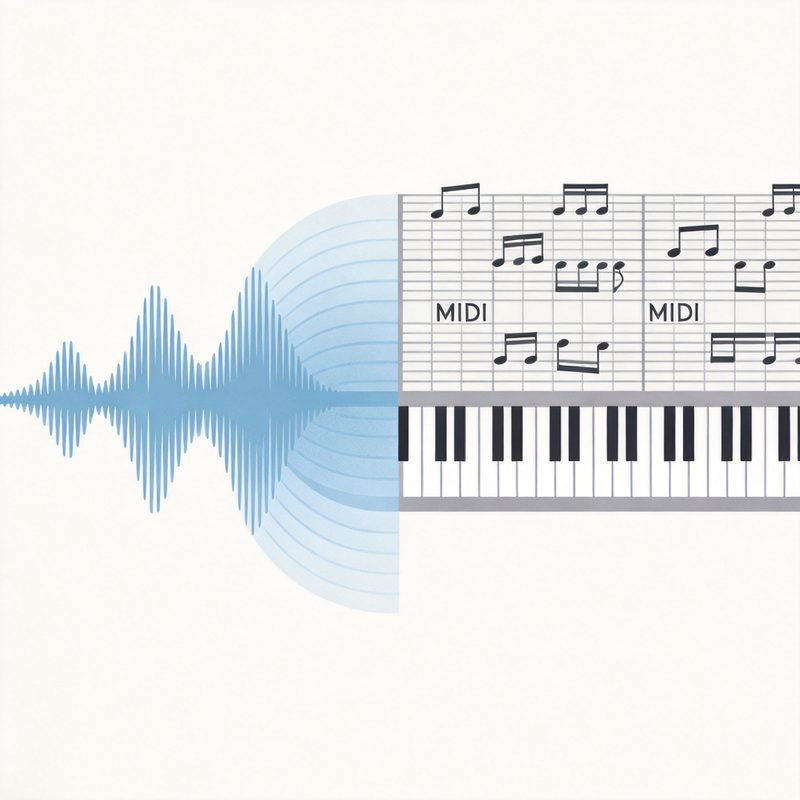
Our sound to MIDI converter uses a lightweight AI model running entirely in your browser. When you upload a file, the model listens for musical notes and transcribes them into MIDI data — pitch, melody, timing, and velocity. The result is a fully editable MIDI file you can tune, transpose, or re-instrument to fit your project. The same pitch-tracking technique underpins open-source transcription models like Spotify's Basic Pitch and the official MIDI Association specification.
POWERED BY AI
Turn Any Sound Into Notes
Whether it's a vocal melody, a guitar riff, or a full song, the converter turns your sound into clean, editable MIDI notes you can refine in the piano roll.
Sound to MIDI FAQs
Can I convert sound to MIDI for free?
Yes, converting is free in your browser. New visitors get 1 free download, and verified users get an extra free download. To keep downloading afterward, you can buy a permanent credit pack (no subscription).
What audio formats can I convert to MIDI?
The sound to MIDI converter supports MP3, WAV, M4A, OGG, WebM, AAC, FLAC, and MOV files up to 5 minutes. For the best result, use a clear recording with minimal background noise.
How accurate is the transcription?
Accuracy depends on the sound type and the preset you choose. The Piano preset works best for solo piano, the Voice preset for vocals, and the Guitar preset for guitar tracks. Clear, isolated sources produce the most accurate transcriptions.
Is my sound uploaded to a server during conversion?
No. All processing happens locally in your browser using a lightweight AI model. Your sound never leaves your device, making it completely private and secure.
Can I edit the MIDI notes after converting my sound?
Yes. The built-in piano roll editor lets you move, resize, join, or delete notes with undo/redo support. You can also adjust sensitivity, minimum note length, and pitch bends to refine the transcription.
What is the difference between sound and MIDI?
Sound (MP3, WAV, etc.) is a recording of waveforms. MIDI is a set of musical instructions — which notes to play, when, how long, and how hard. Converting sound to MIDI transcribes the notes so you can edit, transpose, or play through any virtual instrument.
Which preset should I use for my sound?
Choose Piano for piano recordings, Voice for vocal melodies, Guitar for guitar tracks, Bass for basslines, Solo for monophonic instruments, or Full Song for mixed audio. Each preset optimizes sensitivity, minimum note length, and pitch bend settings for that sound type.
Is this the best free sound to MIDI converter?
100% free — no signup, no hidden limits. The AI model detects notes accurately across multiple presets, and the built-in piano roll editor lets you refine the transcription before downloading. Convert any sound recording to MIDI right in your browser.
Does the converter work on polyphonic sound?
Yes. The AI model can detect multiple notes at the same time, making it suitable for chords and polyphonic pieces. However, it does not separate a mixed track into individual instrument stems — it transcribes the dominant notes it hears.
How do I turn sound into MIDI notes?
Upload or record a sound, pick a preset, and press Convert. The AI listens and turns sound into MIDI notes you can preview, edit in the piano roll, and download. It's the easiest way to turn any sound into MIDI online — no signup, all in your browser.
More Sound to MIDI Tools
Audio to MIDI
Convert audio recordings to editable MIDI with full preset control.
MP3 to Piano MIDI
Turn an MP3 piano track into playable MIDI with the Piano preset.
WAV to MIDI
Convert WAV recordings into editable MIDI notes in your browser.
YouTube to MIDI
Extract a YouTube song and turn it into an editable MIDI file.
Music to MIDI
Convert any piece of music to editable MIDI with all presets enabled.
Song to MIDI
Turn a single-instrument song or full mix into editable MIDI notes.
MP4 to MIDI
Convert video audio from MP4 into editable MIDI notes in your browser.
Voice to MIDI
Turn your hummed or sung vocals into editable MIDI — upload or record.
Guitar to MIDI
Convert guitar riffs, solos, and chords into editable MIDI notes.
Text to MIDI
Turn text or note names into a playable MIDI melody.
Sound to MIDI Guides
Turn Your Sound Into MIDI Today
Free, private, and no signup. Convert a sound recording — a melody, a vocal, or a full mix — into an editable MIDI file in seconds.
Convert a Sound to MIDI